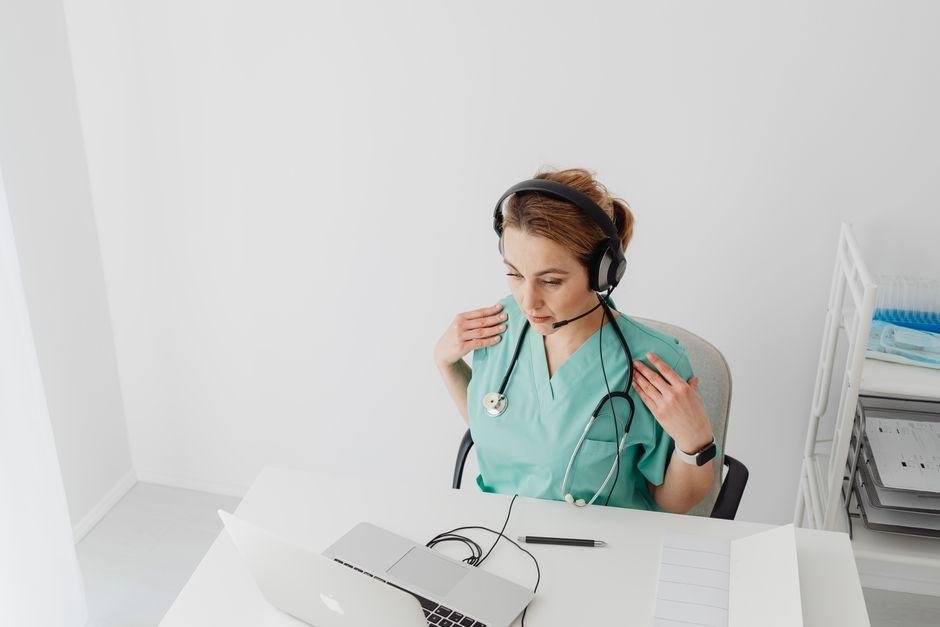
If you’ve ever watched a clinic in action, you know it can feel a bit like organized chaos. Phones ring, patients check in, and someone is always looking for the right note at the wrong time. One of the biggest hidden time-stealers is documentation. It sounds simple until you’re the one finishing charts after a long day. Voice tools can help lighten that load and make the workday feel a little less like a race against the clock.
Where time goes
A busy clinic doesn’t just run on appointments. It runs on tiny tasks that pile up fast. One patient visit can mean note-taking, updating records, sending follow-ups, and checking details later. That may not sound dramatic, but it adds up like socks in a laundry basket.
A lot of staff time disappears into documenting what already happened, which is why medical dictation has moved from a nice-to-have to something clinicians reach for daily. Speaking an encounter takes a fraction of the time typing it does, and a push-to-talk hotkey drops the text straight into whatever record field is already open, with no plugin or integration work required.
Why typing slows you
Typing isn’t bad. It’s just not always the fastest option when your day is already packed. If you stop after each visit to type out every detail, your attention can bounce back and forth like a ping-pong ball.
That kind of switching takes energy. You talk to a patient, think through care decisions, then turn to a screen and try to remember the right wording. Even fast typists can lose time doing that all day. It can also make the visit feel less personal when your eyes stay stuck on a keyboard.
There’s another issue too. Notes often don’t end when the appointment ends. Many healthcare workers finish them later, sometimes after hours. That “I’ll do it tonight” habit can turn into a regular routine. It’s not exactly a party trick.
When typing becomes a constant interruption, it can slow the flow of care. The work still gets done, but it often takes more effort than it should.
What voice tools do
Every clinic has its own rhythm, and the tools that survive are the ones that don’t fight it. These systems produce a first draft you edit rather than a finished note you accept, which keeps clinical judgment where it belongs.
You might describe symptoms, mention next steps, or summarize a visit out loud. The tool handles the structure while you focus on the substance, and details tend to be more accurate when they’re captured while still fresh rather than reconstructed at nine in the evening.
These tools still need a review pass. But they can reduce the effort spent wrestling with the basics. For many clinics, that means notes get finished sooner, follow-up is easier to manage, and fewer details slip through the cracks because someone was rushing at the end of the day.
Small wins for staff
The biggest benefits often show up in small everyday moments. A doctor may finish a note before stepping into the next exam room. A nurse may spend less time repeating information later. An office manager may deal with fewer record bottlenecks by the afternoon.
Those little wins matter. They can mean fewer late evenings spent catching up on charts. They can also improve teamwork because records are available sooner for the next person who needs them.
Here are a few practical ways clinics may notice the difference:
– Notes are completed closer to real time
– Staff spend less time re-entering details
– Patient conversations feel less interrupted
– Follow-up tasks are easier to track
Even morale can improve. When staff aren’t buried in endless admin work, the day feels more manageable. That doesn’t mean the clinic becomes stress-free overnight. It just means the pressure may ease in places where it used to build up. Sometimes that’s enough to make a long week feel a lot more human.
What to look for
If you’re thinking about voice tools, it helps to keep your checklist simple. Fancy features are nice, but daily usefulness matters more. A tool should fit your routine, not demand a whole new personality.
Start with ease of use. If it takes forever to learn, people may avoid it. Accuracy is also a big deal. Spoken notes need to come through clearly enough that staff aren’t spending all their saved time fixing errors.
You’ll also want to consider privacy. Clinics handle sensitive information, so any tool should support secure use and sensible data handling. That’s not the glamorous part, but it’s important.
It also helps to ask practical questions:
– Can staff use it without a long learning curve?
– Does it work well during a normal clinic day?
– Is reviewing and editing simple?
– Will it fit with current record workflows?
A good choice should feel like relief, not homework. If the tool makes people groan before lunch, it may not be the one.
Making the switch easier
Trying new tech can make people nervous, especially in a busy clinic where nobody wants extra confusion. The easiest approach is usually to start small. Pick one workflow, one team, or one part of the day and test it there first.
Let staff get comfortable before expecting perfect results. There may be awkward moments at the start, and that’s normal. Most useful systems need a little practice before they feel natural.
It also helps to ask the people doing the work what they need. A tool may look great in theory but flop in real life if it doesn’t match how the team moves through the day. Listening early can save a lot of friction later.
The goal isn’t to add more gadgets just because they exist. The goal is to reduce strain and give time back to the people keeping the clinic running. When a voice tool does that well, it becomes more than a digital upgrade. It becomes one less headache in a day that already has enough of them.