The question of where to place a security camera in your home usually starts with the rooms. One for the living room. One for the hallway. Maybe one near the kids’ play area. That sounds tidy until you look at how people actually move through a house.
The useful spots are not always the busiest rooms. They are the points someone has to pass: the front entry, the stairs, the back door, and the garage entry. Cover those paths first, and the camera plan starts to make more sense. Before any screw goes into the wall, though, check the outlet. Indoor security camera placement is often settled by a power cable long before the floor plan enters the picture.
This article covers mounting angle and height for each position, how cable reach limits the options, where privacy rules the decision, and how an indoor camera divides the work with a video doorbell.
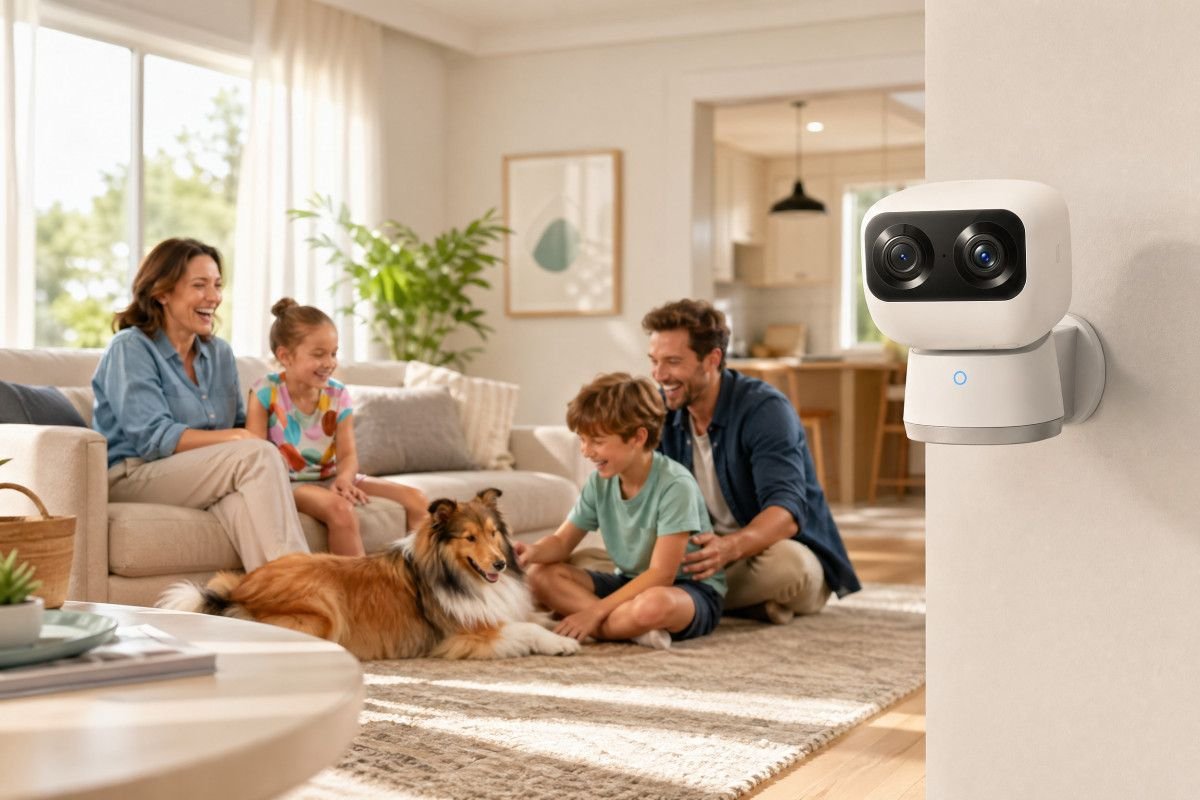
Joyful family at home with an indoor security camera.
Table of Contents
Entry zones before individual rooms
Stairwells mounting angle and outlet reach
Back doors and secondary entries
Cable and outlet planning
Privacy limits for indoor cameras
Splitting coverage with a video doorbell
Conclusion
Entry zones before individual rooms
The front entry is the first spot to sort out because it answers the question most people care about: who came in, and where did they go next? Most entryway camera ideas focus on mounting beside the door, but that often gives a side view and a blur of motion. Across from the door is usually better. People walk toward the lens rather than past it.
Height is where many clean-looking installs go wrong. A high corner angle may capture the whole foyer, but it also spends a lot of pixels on hair, hats, and shoulders. Chest to shoulder height is less elegant on the wall and often more useful in the footage.
Pan-and-tilt cameras make sense in narrow entries that open in several directions. Someone may step in and turn toward the stairs, the kitchen, or a side hallway. A fixed lens has to be chosen. A pan-and-tilt camera can cover the turn, as long as the starting view still faces the approach.
Open foyers need a second look before mounting. If the camera facing the front door also sees straight through the living room windows, the frame may be taking in more than the entry. That is a placement problem, not a settings problem.
Stairwells mounting angle and outlet reach
Stairwells are a reliable camera position because they give people fewer choices. Anyone moving between floors passes the same narrow run, even in a house with several rooms and side paths.
A landing-level view is usually stronger than a camera pointed straight down from the top step. The top-down view catches someone once they are already on the stairs. It may miss the moment they enter from the ground floor, which is often the part you want to know about.
Aim toward the middle of the staircase and slightly toward the lower approach. That angle keeps the climb in frame without flattening the whole stairwell into a narrow strip. It also gives more context about where the person came from.
Power is the part that spoils many stairwell plans. Interior stair walls often have no outlet at all, and the nearest socket may be around the landing or in the adjacent hall. Most wired indoor cameras come with 6 to 7 feet of cable, which is enough for a landing or nearby hallway outlet but not enough to span a full stairwell. Measure before choosing the mount spot.
Back doors and secondary entries
Back doors rarely get the same attention as front doors. That is the wrong instinct. Rear entries, basement access, and garage-to-house doors are quieter, less visible from the street, and easier to forget during setup. FBI burglary data consistently identifies rear entry as a common access point.
A mudroom or back hallway camera does not need to see the entire room. It needs the door and the first few feet inside. That short stretch shows whether someone entered and which direction they took. It also keeps the camera from staring into the yard or a neighbor’s property.
The garage interior door is its own category. A garage camera may tell you what happened inside the garage. It may not show whether someone crossed into the house. If that door is part of your daily route, it deserves the same placement thinking as a back entry.
Cable and outlet planning
Cable reach is where the neat camera map meets the actual house. A wired indoor camera may look perfect on the opposite wall until the nearest outlet is eight feet away and behind a console table.
Walk the route with a tape measure before mounting. Check the outlet, the cable path, and whether the cord crosses a doorway, rug edge, stair tread, or spot where bags and shoes land. A camera that gets nudged twice a week is not well placed, even if the view is good. The eufy Indoor Cam S350 is a plug-in pan-and-tilt camera with 355° pan and AI-powered tracking, so it can follow movement across a narrow entry or stair landing without repositioning the mount. The tradeoff is that the power cable determines where it can realistically go — entry positions and landing walls with a nearby outlet work well. A position that puts the cable across a doorway or down a stair tread is a placement problem before it is a coverage problem.
Corners near doorframes sometimes have an outlet close enough to work. Hallways and stair walls often do not. If the only solution is an extension cord along the floor, treat that as a sign to choose a different angle or a different device type.
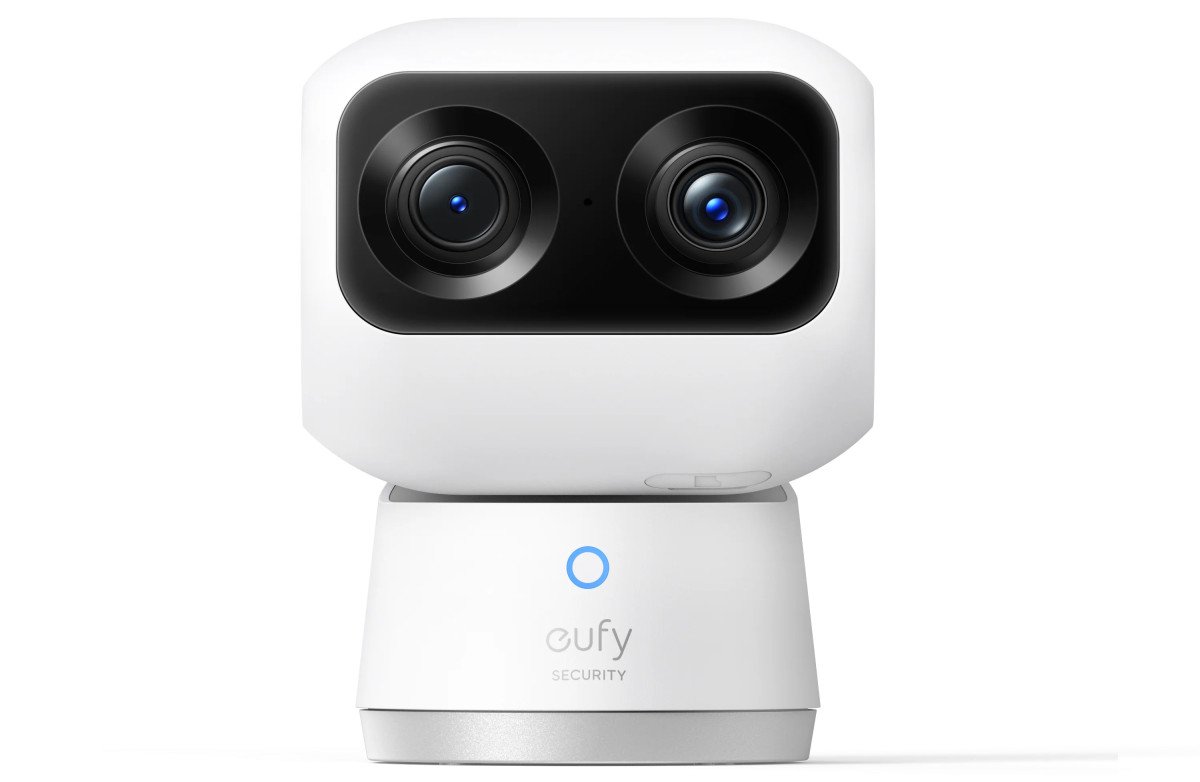
eufy Indoor Cam S350
Privacy limits for indoor cameras
Indoor cameras should stay focused on your home. A lens aimed through a window may capture a neighbor’s yard, driveway, or apartment window, even if that was not the intent. Laws vary by state, but the practical rule is simpler: keep the useful frame inside your own walls.
Apartments and condos add another layer. A camera that points into a shared hallway records other residents as part of normal life, not as an exception. Some leases or building rules do not allow that. Check before drilling.
Entry hallways, stairwells, mudrooms, and common living areas can make sense when the frame is narrow and intentional. Bedrooms and bathrooms are the hard line. Just because a camera can reach a space doesn’t mean it belongs there.
Splitting coverage with a video doorbell
A video doorbell should handle the outside story: the porch, the approach, and the person who rings or does not ring. The indoor camera starts after the threshold. Who came in? Which way did they turn? How much time has passed?
If the doorbell records someone lingering near the entrance, the indoor entry camera can show whether that person later came inside. That sequence is only useful if timestamps line up and both clips are easy to find when something needs checking. Cleaner boundaries between the two mean less duplicate footage to sort through. For comparing indoor camera options by resolution, pan range, and storage type, the eufy indoor cameras collection is a useful reference before settling on which device fits each position.
Conclusion
Entry zones, stairwells, and back doors cover the paths that matter most. Each position has its own angle logic: face the door from across the entry, aim at the stair landing rather than straight down, keep back door cameras on the interior side. Cable reach is the practical limit at every one of those spots. Walk the space before choosing a mount point. The outlet location often shifts the final position more than the sightline does. Privacy limits and doorbell overlap define the edges — the indoor camera does not need to face windows or repeat what the doorbell already captures.