Minichat is free to download on both iOS and Android, and the process takes under two minutes on either platform. The app — a lightweight video chat tool built for spontaneous, real-time connections with strangers — is available through the Apple App Store, Google Play Store, and as a direct APK file for Android users who need an alternative installation path.
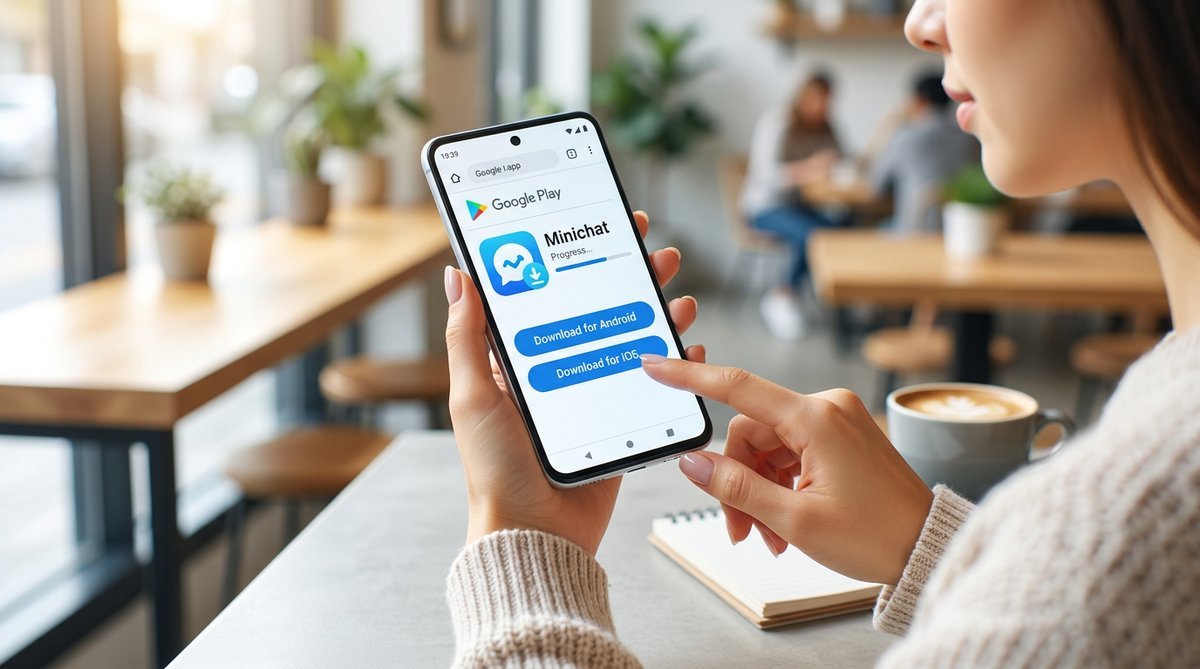
The official Minichat download is free, with no hidden paywall blocking core features like live video chat or text messaging. Millions of users across more than 100 countries have installed it, making it one of the more widely adopted random video chat apps currently in active development.
What follows covers all three installation routes in plain, step-by-step terms: Google Play for Android, the App Store for iPhone and iPad, and APK sideloading for users in restricted regions or on devices without Play Store access. Safety features and parental guidance are addressed too — because knowing what the app does with your data matters just as much as getting it installed. the complete MiniChat guide
What Is Minichat and Why Download It?
Answer: Minichat is a free live video chat and instant messaging app that connects strangers through random matching, available on both Android and iOS with no subscription required. The app offers a cleaner, faster alternative to older platforms like Omegle, with optional Facebook login and a lightweight mobile-first design optimized for spontaneous connections.
Unlike many social apps that bury core features behind paywalls, Minichat’s random video matching and text chat functions are fully accessible at no cost. That free-to-use model is a significant part of why the app has attracted a large base of casual, mobile-first users globally.
Key Features at a Glance
- Live video chat: One-tap random video connections with strangers worldwide, with low-latency performance on standard mobile data
- Instant text messaging: Real-time text chat for users who prefer to type before — or instead of — going on camera
- Random matching: Algorithm-driven pairing that connects users instantly without requiring mutual follows or friend requests
- Facebook login option: Streamlined sign-in via Facebook, though creating a standalone account is equally supported
- Completely free: No mandatory in-app purchases to access the core chat experience
Who Is Minichat For?
Minichat is designed for social adults aged 18 and older who want a no-friction way to meet and talk with new people. The app appeals most to users who found platforms like Omegle too dated or unreliable, and who want something optimized for modern smartphones rather than desktop browsers.
Minichat requires users to be at least 18 years old to register — a baseline age gate that parents and guardians should be aware of before any minor encounters the app. The platform is not intended for minors, and Minichat’s terms of service explicitly restrict underage use.
System Requirements and Device Compatibility
Answer: Minichat runs on Android 5.0 or higher and iOS 13 or higher, requires roughly 100 MB of free storage, and needs a stable internet connection (Wi-Fi or mobile data). Most smartphones released after 2016 will handle the app without performance issues, with 2 GB RAM recommended for smooth video streaming.
Android Requirements
The minimum Android version is 5.0 (Lollipop), though Android 8.0 or newer delivers noticeably smoother video performance. Aim for at least 2 GB of RAM — devices with 1 GB may experience lag during live video sessions.
Storage demand sits around 100 MB for the base install, with cached data growing modestly over time. Devices running heavily modified or unofficial Android firmware — common on some budget imports — can run into installation errors regardless of OS version.
iOS Requirements
On Apple hardware, iOS 13 is the floor. That covers iPhone 6s and later, all iPad Air 2 and newer models, and iPadOS 13+ tablets. The App Store lists the download size at under 100 MB, making it a lightweight install by any standard.
Older devices like the iPhone 6 or original iPad mini cannot run iOS 13 and are therefore incompatible — no workaround exists for those models.
Quick Compatibility Table

| Platform | Minimum OS | Storage | Internet | Notes |
|---|---|---|---|---|
| Android | Android 5.0+ | ~100 MB | Wi-Fi or mobile data | 2 GB RAM recommended; avoid unofficial firmware builds |
| iOS / iPadOS | iOS 13+ | Under 100 MB | Wi-Fi or mobile data | iPhone 6s or newer; iPad Air 2 or newer |
How to Download Minichat — Step-by-Step for Every Platform
Answer: Minichat is available as a free download on Google Play, the Apple App Store, and as a direct APK file for Android devices without Play Store access. The entire installation process takes under two minutes on any platform, with no payment required for full access to video chat and messaging features.
Download Minichat on Android (Google Play)
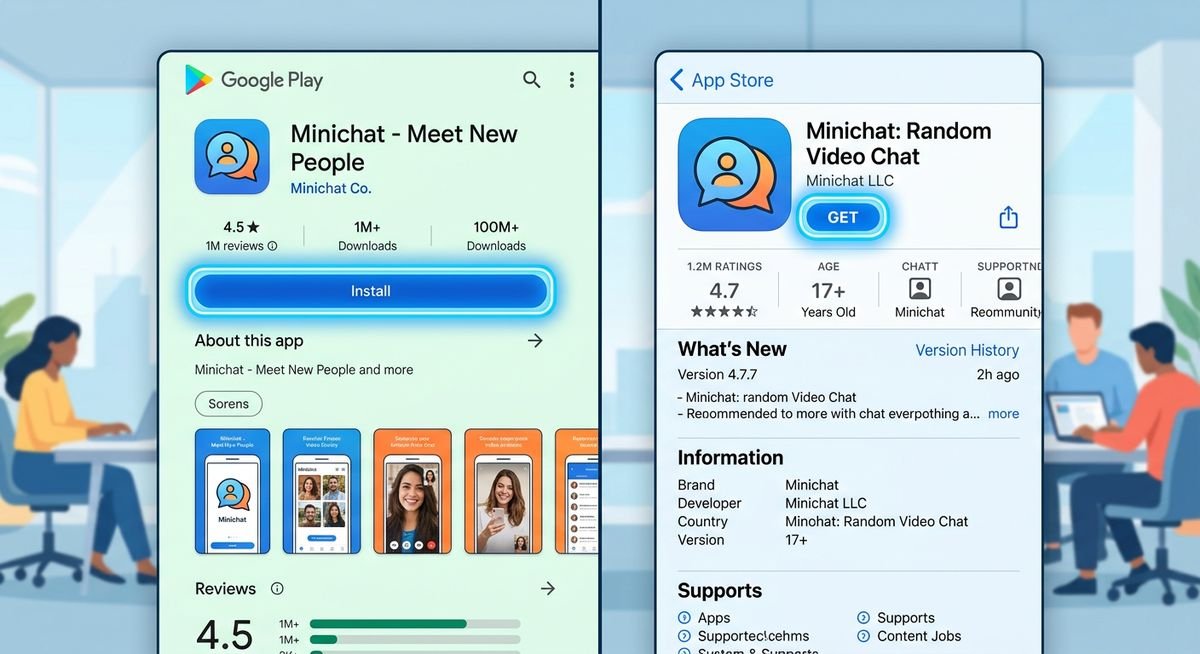
The Google Play Store is the safest and most straightforward route for Android users. The official publisher name is Minichat — confirming that name before tapping Install is the single most effective way to avoid counterfeit apps that mimic Minichat’s branding.
- Open the Google Play Store on your Android device.
- Tap the search bar and type Minichat.
- Select the result showing the publisher name Minichat — not a third-party clone.
- Tap Install and wait for the download to complete (the app is approximately 100 MB).
- Tap Open, then either create a new account with your email or sign in using Facebook Login.
Once inside, the app will prompt you to allow camera and microphone access — both are required for live video chat. Grant those permissions and you’re ready to connect. You can find the official Minichat app on Google Play Store.
Download Minichat on iPhone or iPad (App Store)
To download Minichat on an iPhone or iPad, open the App Store, search for “Minichat – The Fast Video Chat”, tap Get, and authenticate with Face ID, Touch ID, or your Apple ID password. The app installs automatically and is ready to open in seconds. No payment is required — Minichat is free to download and use.
- Open the App Store on your iPhone or iPad.
- Tap the search icon and enter Minichat – The Fast Video Chat.
- Tap Get next to the official listing.
- Authenticate using Face ID, Touch ID, or your Apple ID password when prompted.
- Once installed, tap Open and follow the on-screen setup to create your account.
iPadOS users will find the app fully functional on tablet screens. Requires iOS 13 or later, so any iPhone from the iPhone 8 onward is compatible. For more guidance on iOS app downloads, refer to Apple’s official App Store guidelines.
Download Minichat APK (Android Sideload)
An APK (Android Package Kit) is the raw installation file for any Android app — essentially the same package the Play Store delivers, distributed directly. Sideloading is appropriate when the Play Store is unavailable due to regional restrictions, when a device runs a custom Android build without Google services, or when a user needs a specific older version of the app.
- On your Android device, open Settings → Security → Install Unknown Apps (or Settings → Apps → Special App Access → Install Unknown Apps on newer Android versions).
- Select the browser or file manager you’ll use to download the APK, then toggle Allow from this source.
- Download the Minichat APK from a reputable third-party repository such as APKMirror or APKPure.
- Once the APK file finishes downloading, tap Open or navigate to your device’s Downloads folder and tap the Minichat.apk file.
- Tap Install when prompted, then wait for the installation to complete.
- Open the app and complete account setup as you would after a Play Store download.
Only download APK files from well-known repositories — avoid random file-sharing sites. APKMirror and APKPure both verify developer signatures before hosting files, reducing the risk of tampered or malicious builds. MiniChat safety guide
Minichat Web Version and Browser Access
As of March 2026, Minichat does not offer a fully-featured web version accessible through desktop browsers. The service is primarily designed as a mobile-first app optimized for iOS and Android devices. Users seeking to access Minichat from a desktop computer will need to use an Android emulator such as BlueStacks or NoxPlayer to run the mobile app on Windows or macOS.
Minichat for PC (Windows and Mac)
To use Minichat on PC, download an Android emulator like BlueStacks or NoxPlayer, install it on your Windows or Mac computer, then download Minichat from the Google Play Store within the emulator environment. This method allows full access to all app features including video chat, though performance depends on your computer’s specs and webcam quality.
Steps for PC installation via emulator:
- Download and install BlueStacks or NoxPlayer from their official websites.
- Launch the emulator and sign in with your Google account.
- Open Google Play Store within the emulator.
- Search for Minichat and click Install.
- Once installed, open Minichat and complete account setup.
- Grant camera and microphone permissions when prompted to enable video chat.
Is Minichat Safe? Privacy, Moderation, and Parental Guidance
Answer: Minichat enforces an 18+ age policy, uses AI-assisted content moderation to flag inappropriate behavior in real time, and provides in-chat tools to report or block users instantly. While no random chat platform is risk-free, Minichat’s automated detection systems and user-driven reporting create a moderation framework comparable to established platforms.
Content Moderation and Reporting Tools
Minichat deploys automated moderation that scans video sessions for policy violations, supplemented by a human review team for escalated cases. During any live chat, a report button is accessible without ending the session — tap it, select a violation category, and the report is queued for review immediately. Repeat offenders face temporary suspension or permanent bans depending on severity.
Blocking works just as fast. One tap removes a user from your match pool entirely. In practice, this two-layer system — automated detection plus user-driven reporting — mirrors the moderation architecture used by larger platforms like Omegle’s successors and Chatroulette’s current iteration.
Privacy and Data Practices
Minichat collects standard account information (username, email or Facebook credentials) alongside usage data such as session duration and match activity. Facebook login is entirely optional — email registration never requires connecting a social account. Users who prefer minimal data sharing can create a standalone account without any third-party authentication.
| Data Type | Collected? | Shared with Third Parties? |
|---|---|---|
| Email / Account Info | Yes | No (used for authentication only) |
| Facebook Profile Data | Only if Facebook login used | No |
| Usage & Session Data | Yes | Aggregated analytics only |
| Video/Chat Content | Not stored post-session | No |
Before downloading, reviewing Minichat’s full privacy policy — linked in both the App Store and Google Play listings — is the most reliable way to verify current data practices. Policies can update, and the listing version will always reflect the most recent revision.
Parental Guidance and Age Restrictions
Minichat’s terms of service prohibit use by anyone under 18. The app does not include robust age verification beyond self-reported birthdate during registration, meaning determined minors can potentially bypass the restriction. Parents concerned about underage access should monitor device downloads regularly and consider using built-in parental control features on iOS (Screen Time) and Android (Family Link).
Frequently Asked Questions About Minichat Download
Can I download Minichat on iPhone?
Yes, Minichat is available for free download on iPhone through the Apple App Store. Open the App Store, search for “Minichat – The Fast Video Chat,” tap Get, and authenticate with Face ID or Touch ID. The app requires iOS 13 or higher, which supports iPhone 6s and all later models.
Is the Minichat APK safe to download?
Minichat APK files are safe when downloaded from reputable third-party repositories like APKMirror or APKPure, both of which verify developer signatures before hosting files. Avoid downloading APKs from unknown file-sharing sites or forums, as those sources may distribute tampered or malicious versions of the app.
Does Minichat have a web version?
No, Minichat does not currently offer a browser-based web version. The platform is designed exclusively as a mobile app for iOS and Android. Desktop users can access Minichat by installing an Android emulator like BlueStacks or NoxPlayer and running the app within that environment.
How do I install Minichat for PC?
To use Minichat on PC, download an Android emulator such as BlueStacks or NoxPlayer, install it on your Windows or Mac computer, then download Minichat from Google Play Store within the emulator. This method provides full access to video chat and messaging features, assuming your computer has a working webcam and microphone.
Is Minichat download free?
Yes, Minichat is completely free to download on both iOS and Android, with no upfront payment or subscription required. Core features including live video chat, text messaging, and random matching are fully accessible without in-app purchases, though the app may offer optional premium features or cosmetic upgrades.
Can I download Minichat from Google Play?
Yes, Minichat is available for direct download from the Google Play Store for Android devices. Open Google Play, search for “Minichat,” verify the publisher name matches “Minichat,” and tap Install. The app is approximately 100 MB and installs in under two minutes on most devices with stable internet.
Where can I find the Minichat browser version?
Minichat does not offer a dedicated browser version as of March 2026. The service is optimized for mobile devices and does not support direct access through desktop web browsers like Chrome, Firefox, or Safari. Users requiring desktop access should use an Android emulator to run the mobile app on their computer.
How do I download an old version of Minichat?
To download an older version of Minichat, visit APKMirror or APKPure and browse their archive of previous Minichat releases. Select the version you need, download the APK file, enable “Install Unknown Apps” in your Android settings, and install the APK manually. Note that older versions may lack security patches or compatibility with current servers.
Conclusion
Downloading Minichat takes under two minutes on any platform, whether you’re using an iPhone, Android device, or sideloading an APK. The app is free, lightweight at roughly 100 MB, and designed for spontaneous video chat with minimal setup friction. iOS users download directly from the App Store (iOS 13+), Android users tap Install on Google Play (Android 5.0+), and those without Play Store access can sideload verified APK files from trusted repositories.
Minichat’s 18+ age restriction, AI-assisted moderation, and instant report-and-block tools create a baseline safety framework, though no random chat platform is entirely risk-free. Parents should monitor device downloads, and all users should review the app’s privacy policy before registering. Desktop access requires an Android emulator — there is no standalone web version as of March 2026.
For step-by-step setup instructions, account management tips, and in-depth safety guidance, see our complete MiniChat guide. If you’re evaluating alternatives or comparing features across random chat apps, check MiniChat vs alternatives.