As a marketer, you probably spend hours every day pulling data together from countless spreadsheets and dashboards, but the engagement remains underwhelming. The game is changing. With Vidnoz AI, you can seamlessly integrate dynamic, personalized videos into your email campaigns, instantly capturing attention and boosting click-through rates. These AI-powered videos make your emails more interactive, memorable, and persuasive, turning passive readers into active customers. If you want to know how Vidnoz AI does it, then you’re in the right place. In this guide, we’ll walk you through step by step how to create highly engaging AI-powered videos for your email campaigns.
Part 1: Overview of Vidnoz AI
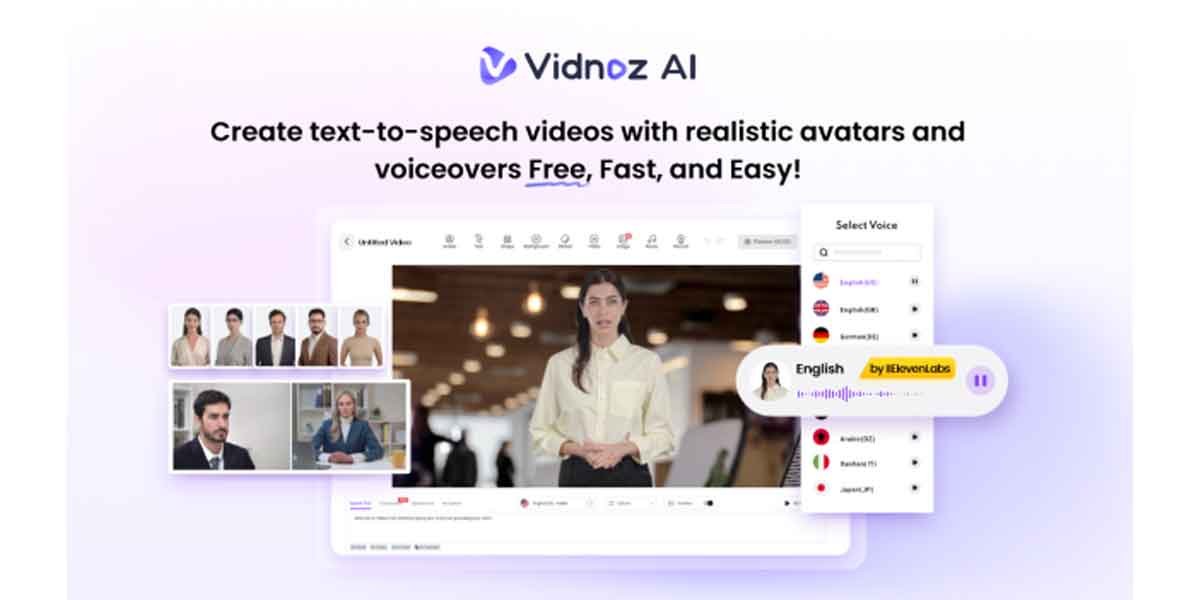
If you want to take your email campaigns to the next level, Vidnoz AI is the best option. It is an AI-powered video generator that enables users to generate high-quality videos with a simple text prompt or any source material — no editing experience required. With Vidnoz AI, you can produce personalized video content at scale, making each email feel unique and engaging to your audience. The standout feature of this tool is that it is certified with ISO/IEC 27001:2022, the international standard for information security management. Further, it supports a wide range of AI tools, including AI voice changer, text-to-speech, online video editor, AI headshot generator, and more. Whether you’re running marketing campaigns, creating product demos, or designing onboarding tutorials, you can quickly generate content that resonates with your audience.
Part 2: Why Vidnoz AI is a Game-Changer for Email Campaigns
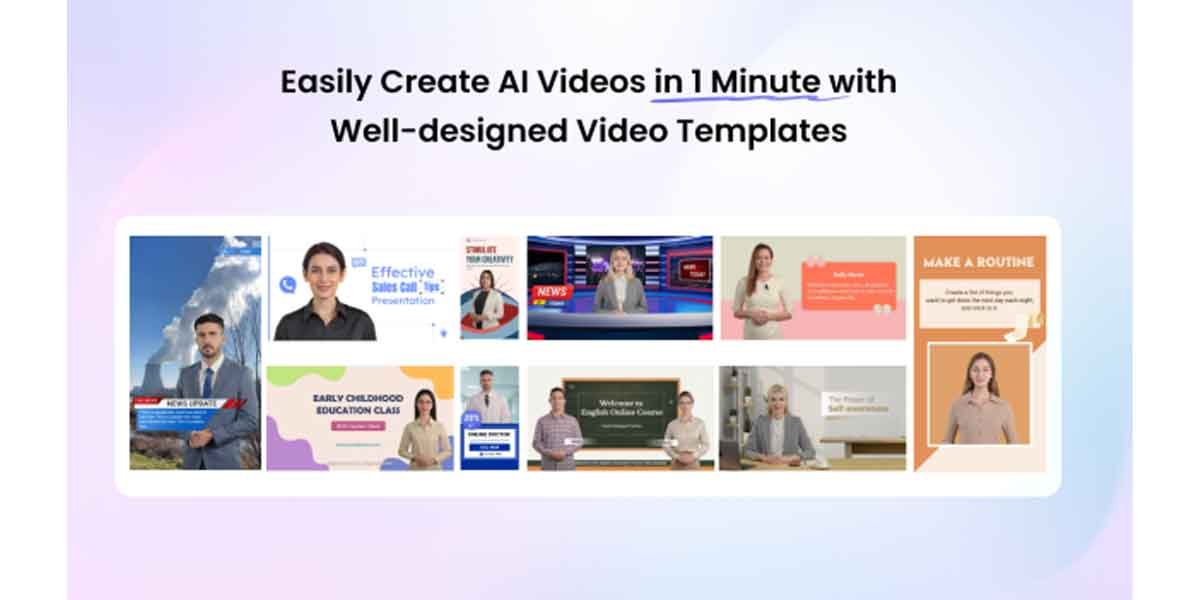
The program offers amazing features and capabilities, making it an essential tool for maximizing the impact of your email campaigns. Here are the top features of this program:
- Lifelike AI Avatars: Vidnoz AI includes 1900+ AI avatars, each from unique industries and roles. The program offers avatars of doctors, hosts, customer support, news reporters, and more. Plus, users can generate a digital twin in 40+ languages using Avatar Lite, and Avatar Pro offers deeper customization features.
- Personalized Video Templates: The program provides 2800+ customizable templates, enabling users to create various types of videos, including how-to guides, tutorials, advertisements, online courses, and more. Users can also create custom templates according to their brand requirements and needs.
- High-Quality AI Voices: The best part of Vidnoz AI is its 2000+ AI voices in 140+ languages. All voices are powered by ElevenLabs, Microsoft, and Google. With voice cloning, users can create a synthetic voice using audio recordings that resemble 99% of the real voice.
- Free Version: Vidnoz AI enables users to generate high-quality videos for their email campaigns without spending a single penny. The free version offers 60 free credits and advanced features like AI voices, avatars, templates, Avatar Lite, voice cloning, AI voice changer, and more.
- AI Video Wizard: No editing experience required? Yes, with Vidnoz AI, users can generate high-quality videos with a simple text prompt or any source material. Its intuitive interface enables users with no video editing experience to generate professional-quality videos quickly and easily.
Part 3: Types of AI Videos You Can Generate With Vidnoz AI
With the help of this tool, users can generate various types of videos with a simple text prompt. Here are the top videos you can generate with Vidnoz AI:
- Email Campaigns: Create a personalized video message for your email subscribers that grabs attention and increases click-through rates.
- Product Demos: Users can generate high-quality product demo videos with Vidnoz AI. Users can explain features, benefits, and usage clearly and engagingly.
- How-To Guides: With the help of this program, users can generate step-by-step instructional videos to educate their audience, making complex processes simple and interactive.
- Social Media Clips: Vidnoz AI enables you to produce short, eye-catching videos optimized for platforms like Instagram, TikTok, Facebook, and more.
Part 4: Step-by-Step Guide: How to Generate Email Campaign Videos?
With Vidnoz AI, users can generate email campaign videos quickly and effortlessly, even without any prior video editing experience. Here is how to do it:
- Navigate to Vidnoz AI’s official site and click on the “Create Video Now Free” button. Choose the video template and AI avatar.
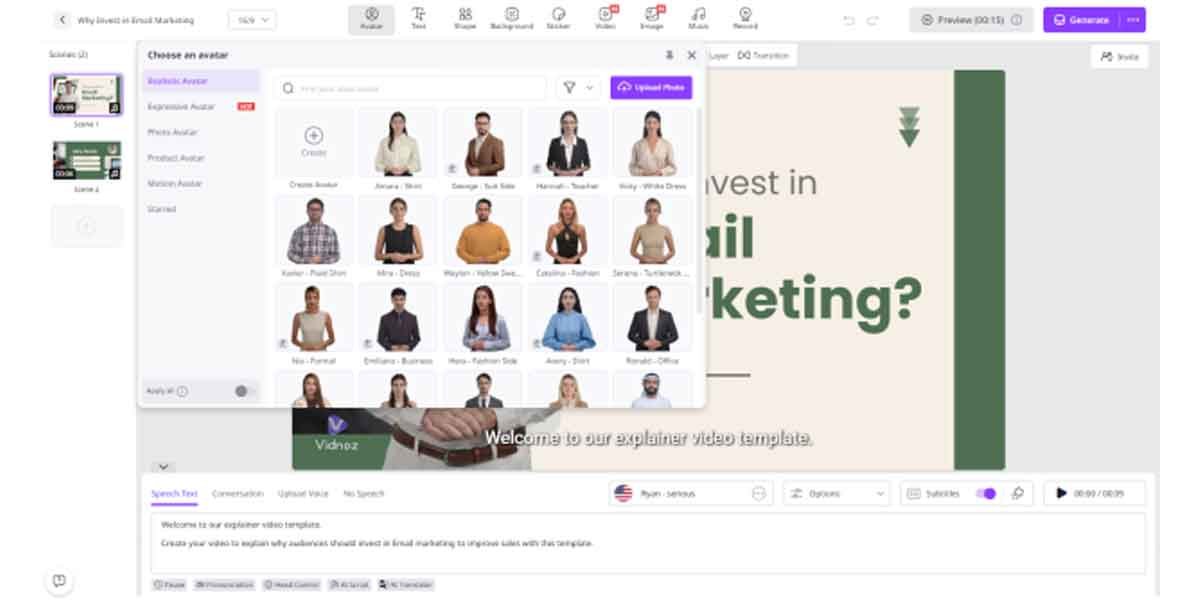
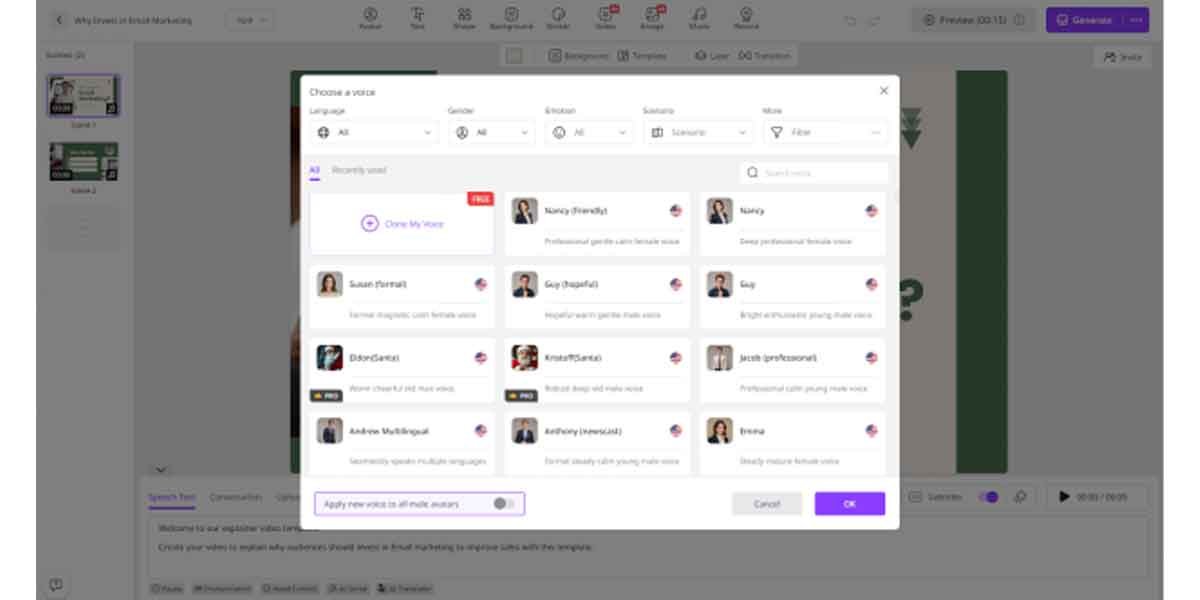
- Input the video script and select the AI voice. Users also have the option to choose the language. The program supports 140+ languages, including English and Spanish.
- Next, use the Online Video Editor to customize the video according to your requirements. It enables you to change the background, insert text, and more.
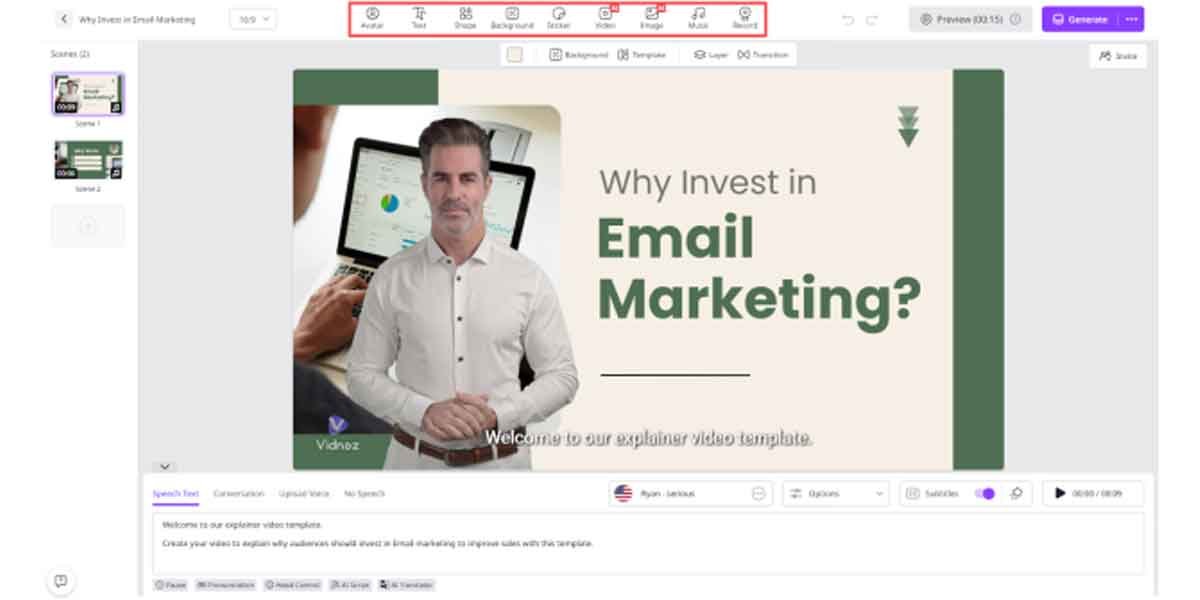
- Finally, click on the “Generate” button to begin the video creation process. In just a few seconds, Vidnoz AI will transform your text prompts into a polished professional video.
Final Thoughts
Vidnoz AI is transforming email marketing by making it easy to create personalized, engaging videos that boost click-through rates. With its intuitive interface, AI-powered features, and secure platform, marketers can save time, capture attention, and deliver campaigns that truly stand out.